
HushSMS
Tools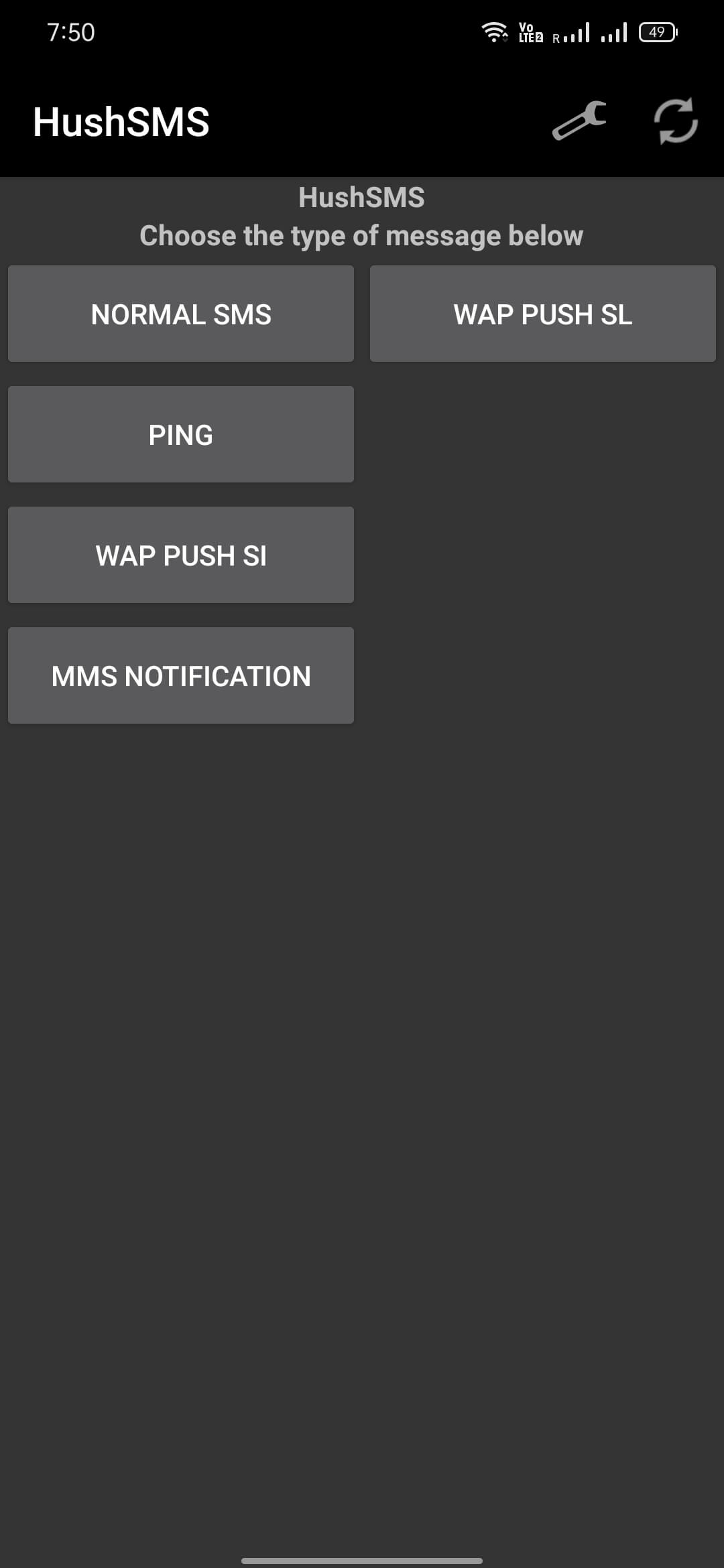
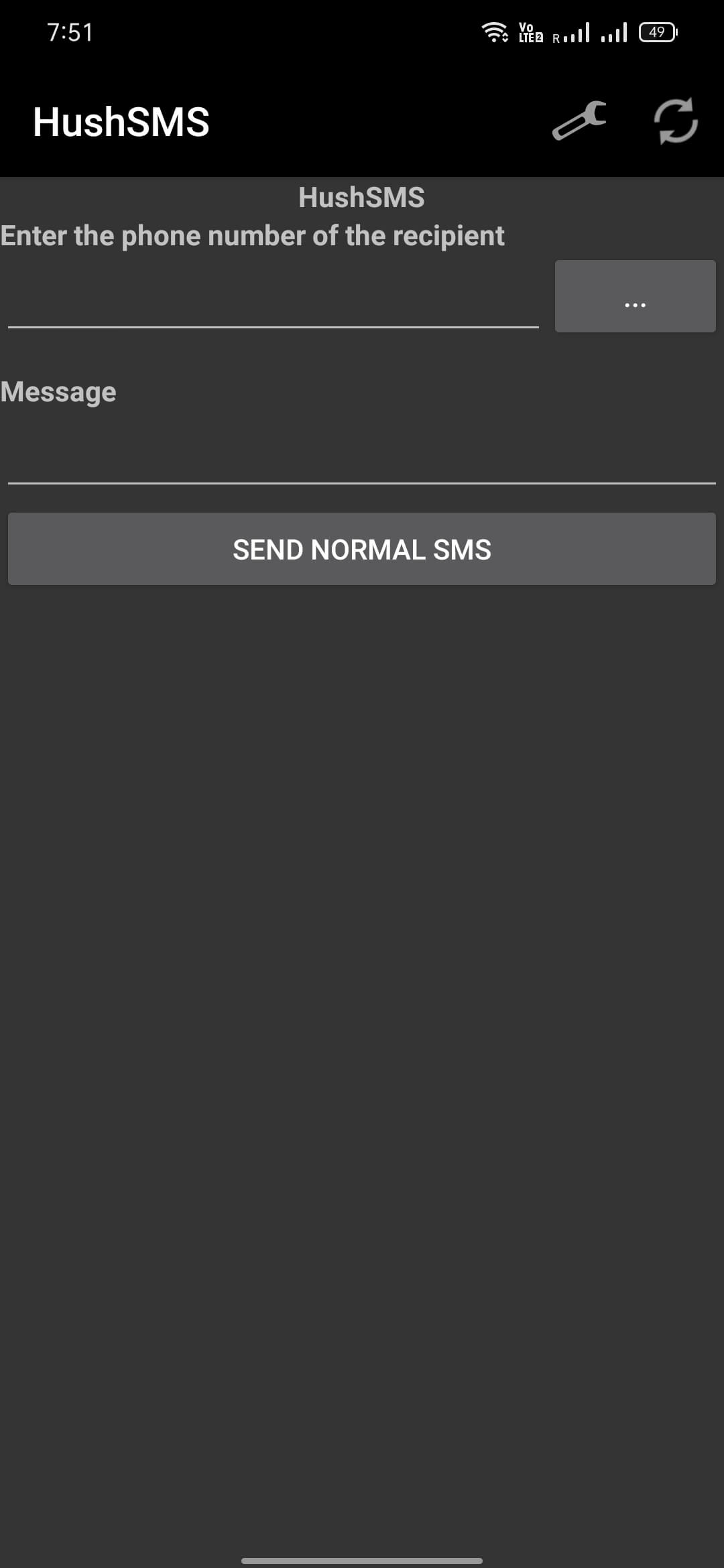
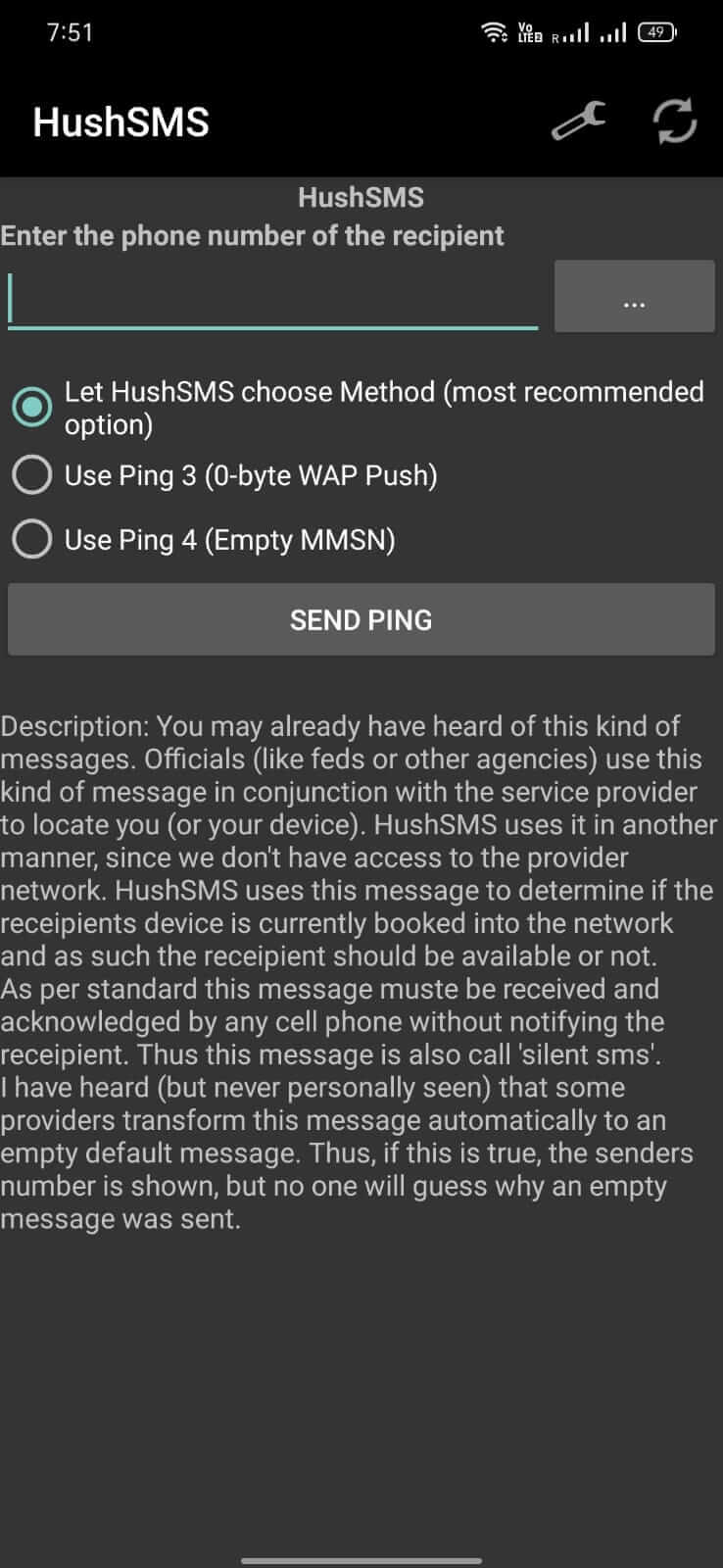
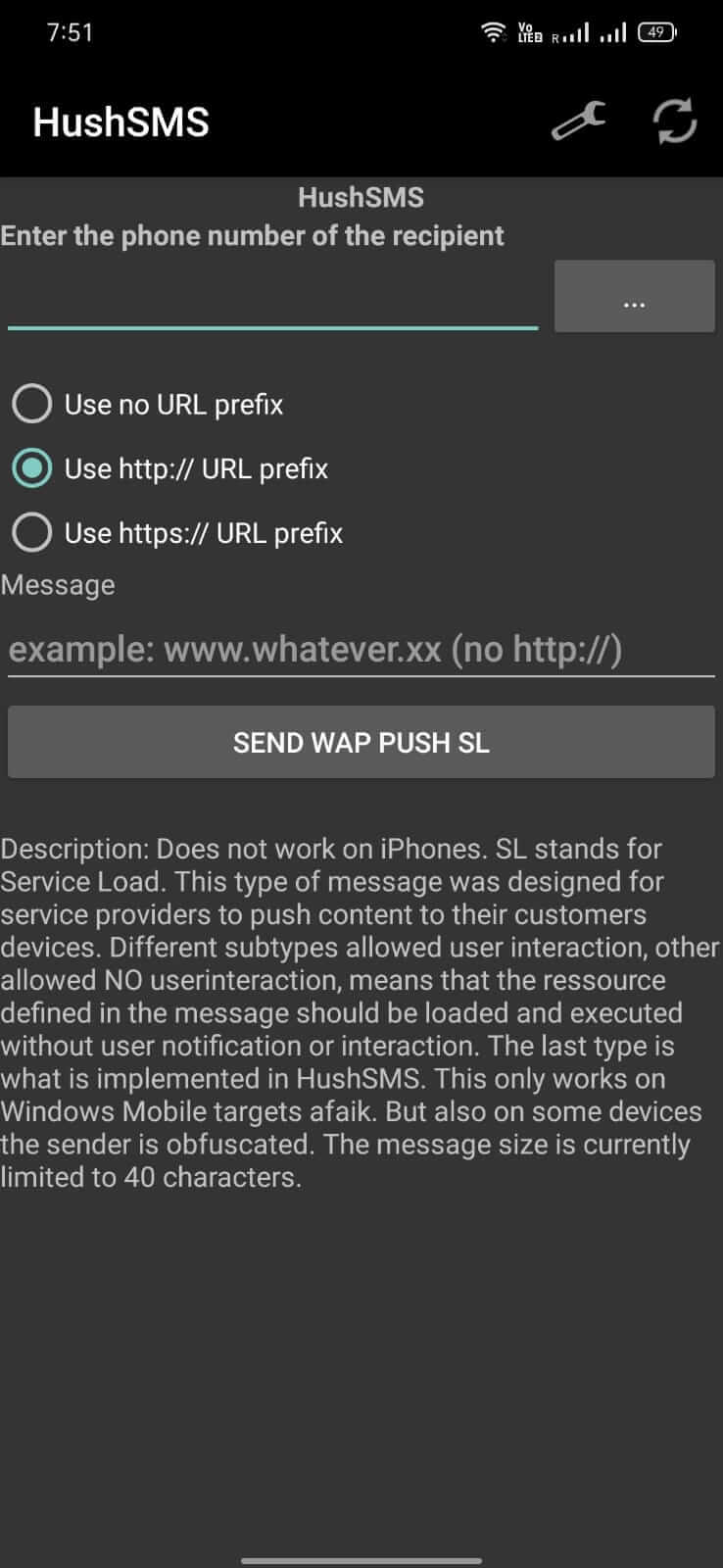
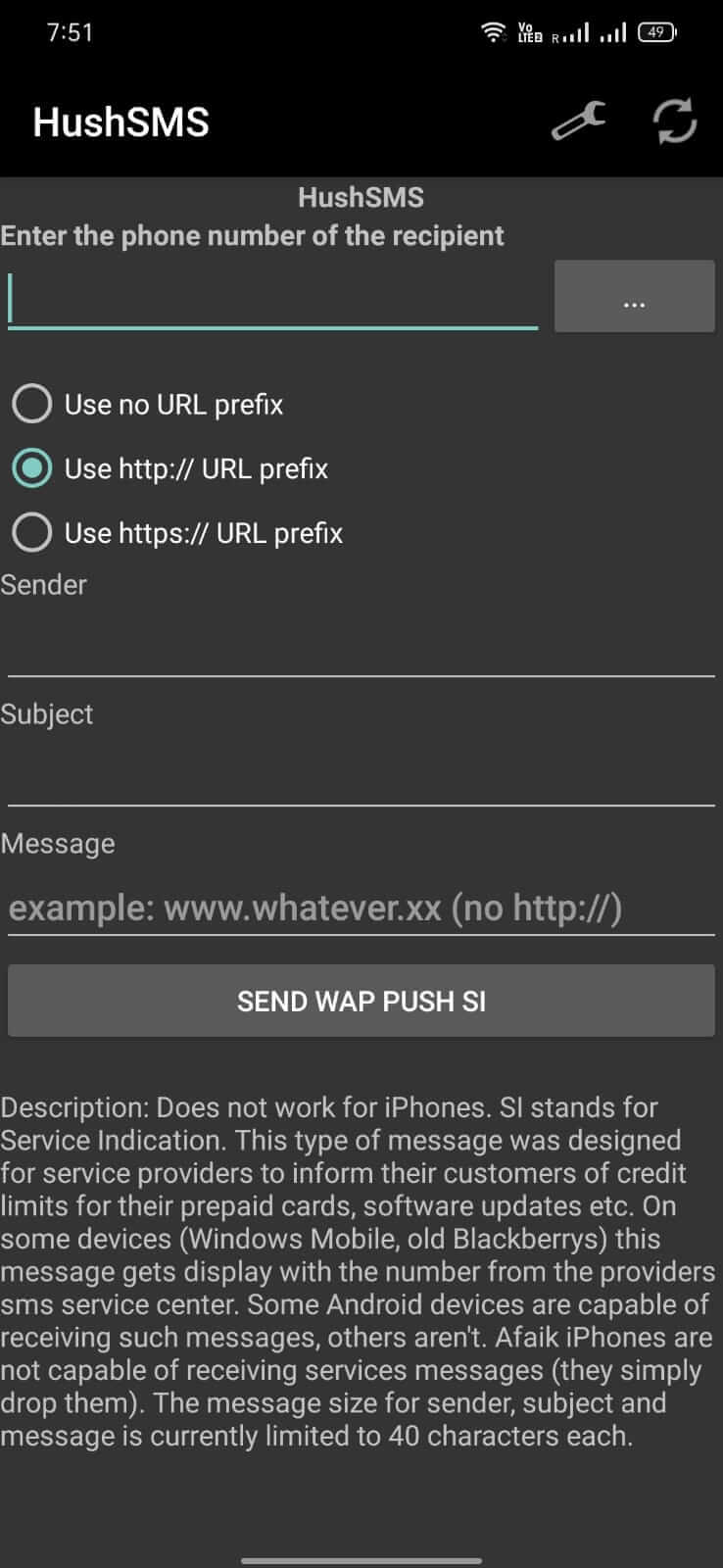
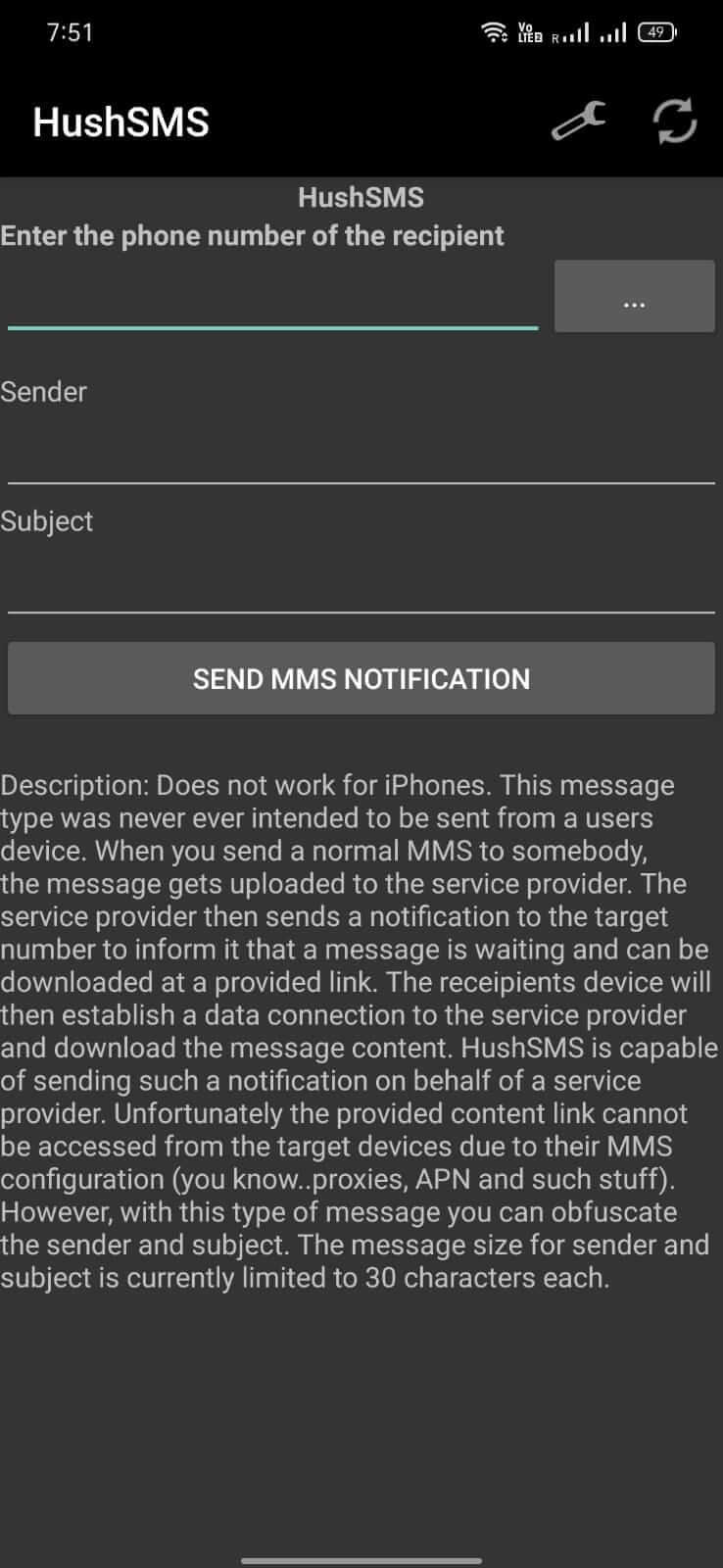

HushSMS is a lightweight utility designed to help users bypass the Factory Reset Protection (FRP) lock on Android devices. The app works by sending specially coded SMS messages that trigger the unlock process, allowing you to regain access to a device that’s tied to a previous Google account.
Originally released for Samsung phones, the developers later expanded compatibility so the tool can run on any Android device that supports standard SMS functionality. This page provides the latest version details, a step‑by‑step install guide, and safety considerations.
Quick Information
| App/Game Name | HushSMS |
| Latest Version | 2.7.8 |
| Developer | Not listed |
| Category | Apps / Tools |
| App Size | 291 KB |
| Package Name | com.silentservices.hushsms |
| Last Updated | 20 January 2026 |
What Is HushSMS?
HushSMS is an Android tool that automates the FRP bypass process through coded SMS communication. Its core features include:
- Sending pre‑formatted SMS commands that interact with the device’s lock screen.
- Support for a wide range of Android manufacturers, not limited to Samsung.
- Small footprint – the APK is only 291 KB, making it quick to download and install.
The app does not require root access, but it does need permission to read and send SMS messages. It is intended for legitimate owners who have forgotten their Google credentials or are dealing with a locked device after a factory reset.
Compatibility
| Android Version | ✓ Verified — Android 6.0 and later |
| Architecture (ARM64 / 32-bit) | Not Verified |
| Internet Connection | ✓ Verified — May be required for ads, updates, or login |
| Storage Needed | Not Verified |
| OBB/Data Files | Not Verified |
| Root Required | Not Verified |
How to Install
- Enable Unknown sources in Settings > Security (or allow the specific file manager you use).
- Download the HushSMS APK file to your device.
- Tap the downloaded file and follow the on‑screen prompts to install.
- Open the app, grant SMS permissions when requested, and follow the in‑app instructions to send the coded messages.
- After the process completes, the device should bypass the FRP lock and allow normal setup.
Troubleshooting
- App not installed: Ensure the APK is complete and not corrupted. Re‑download if necessary.
- Crashes on launch: Verify that the device runs Android 5.0 or higher and that SMS permissions are granted.
- FRP bypass fails: Double‑check the phone’s network connectivity and that the SIM card can send SMS. Some carriers may block the coded messages.
- Permission issues: Go to Settings > Apps > HushSMS > Permissions and manually enable SMS access.
Safety & Security
HushSMS modifies the normal FRP flow by sending special SMS commands. While the app itself is not inherently malicious, users should:
- Download the APK from a reputable source you trust.
- Review the permissions it requests; it needs only SMS read/write access.
- Avoid entering personal or financial information within the app.
- Be aware that future Android updates may change the FRP mechanism, potentially breaking the tool.
How HushSMS Compares
| Feature | HushSMS | iBypass FRP | Samsung Find My Mobile |
|---|---|---|---|
| Price | Not listed | Free (price not listed) | Free (requires Samsung account) |
| Platform | Android | Android | Android (Samsung devices only) |
| Standout Feature | FRP bypass via coded SMS | Multiple FRP unlock methods, including OTA | Remote lock & wipe, plus FRP reset for registered devices |
| Best For | Users with any Android phone needing a quick SMS‑based FRP unlock | Advanced users who want several bypass options | Samsung owners already enrolled in Samsung’s service |
Alternatives
iBypass FRP offers a collection of scripts and tools that work across many Android versions. It’s suited for users comfortable with command‑line steps.
FRP Bypass Tool (generic name) provides a graphical interface for sending unlock commands, similar to HushSMS but with additional device‑specific profiles.
Google’s Find My Device can sometimes reset a locked device if the account is still accessible, though it does not replace a dedicated FRP unlock utility.
Final Verdict
HushSMS is a compact, SMS‑based solution for bypassing Android FRP locks. It works on a broad range of devices and does not require root, making it accessible for most users. However, success depends on network conditions and carrier support for the coded messages. Verify the APK source, grant only the necessary permissions, and keep in mind that future OS updates may affect compatibility.
Frequently Asked Questions
The app itself only requests SMS permissions, but you should download it from a trusted source and avoid entering personal data.
The app works on Android 5.0 (Lollipop) and newer, as long as the device can send and receive SMS.
No, HushSMS does not require root; it operates using standard SMS permissions.
It sends specially coded SMS messages that trigger the device’s unlock routine, allowing you to set up the phone without the original Google account.
Yes, the tool was expanded to support all Android devices that can send SMS, not just Samsung phones.
Make sure ‘Unknown sources’ is enabled, verify the APK isn’t corrupted, and try reinstalling the file.
Updates that change the FRP mechanism could affect the app’s functionality, so you may need to look for a newer version later.
A working SIM that can send SMS is required because the bypass relies on sending coded messages.